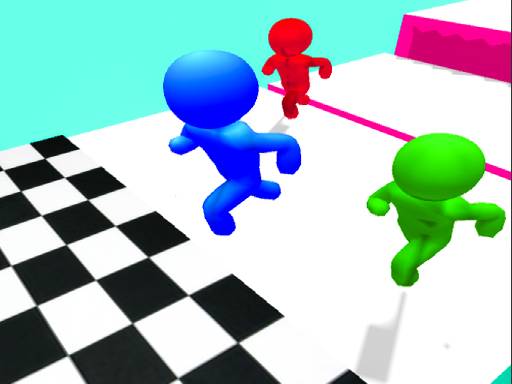
Evading The Police – Fast‑Paced 2D Chase
You're a thief on the run, and every second counts. The city streets turn into a gauntlet of obstacles, and the police are never far behind. One perfect jump can mean freedom; a mistimed move lands you in cuffs. This Action Adventure mixes relentless speed with simple controls, delivering pure Fun in a crisp HTML5 package. No downloads, no fuss—just an Online sprint that makes you want to Play again and again. Join the chase now and see if you can out‑run the law.
How It Works
Control the runner with a single jump. Desktop players right‑click, mobile players tap. Every jump can dodge a barrier or a cop. The game runs smooth in HTML5, so no download needed. It feels like classic arcade action, but with modern polish.
- Desktop: Use the right click button of the mouse to jump objects
- Mobile: Tap to jump objects to escape from police
- Controls and Indicators: The upper left side of the screen has the pause button
- Right Side: Sound ON OFF
- The scores and levels are shown

Winning Tips & Progression
Timing is everything. Watch the pattern of incoming obstacles and plan your Jumping rhythm. Early levels teach you the spacing; later stages crank up speed and add moving police cars. Keep an eye on the score meter—higher scores unlock faster lanes and new city districts. Use the pause button to regroup when the pace spikes; a quick breath can save you from a costly mistake. Master the right‑click or tap timing, and you’ll see the leaderboard climb. Remember, the police AI adapts, so you must vary your routes and avoid predictable paths.
Ready to outrun the law and dominate the leaderboards? PlayHop invites you to jump into the action. Tap the link, start the chase, and prove you’ve got the reflexes to stay ahead. Evading The Police is waiting—hit play and make every escape count!
Desktop Use the right click button of the mouse to jump objects Mobile Tap to jump objects to escape from police Controls and Indicators The upper left side of the screen has the pause button Right Side Sound ON OFF The scores and levels are shown