Halloween Word Search – Spooky Puzzle Fun from PlayHop
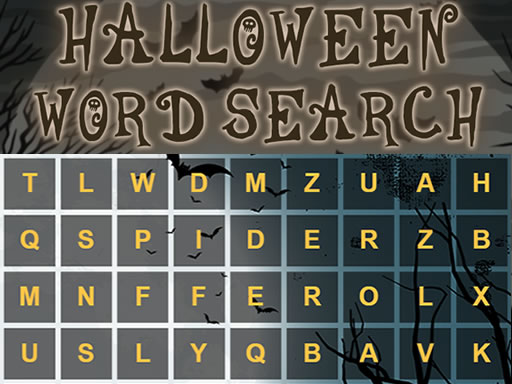
Ghosts, pumpkins, and hidden letters collide in a fast‑paced puzzle that tests your brain and your nerves. Each level drops a fresh grid of letters, then challenges you to hunt down themed words before the clock runs out. The thrill of spotting “WITCH” or “CANDY” among a sea of characters makes every win feel like a treat. Kids love the bright icons, while adults appreciate the logic boost that comes from scanning, matching, and clearing rows. If you crave a quick brain‑tickling break on mobile or desktop, this title delivers pure, seasonal fun.
Mechanics
Controls are razor‑simple. Tap a letter, then drag to highlight the full word. Release to lock in your answer, and the board refreshes with a new challenge. No menus, no timers you can’t see—just pure word hunting on a clean interface.
- Use mouse or tap to screen to play this game
Strategy
Start each round by scanning the corners. Hidden words often begin at the edges, so a quick sweep can reveal the longest terms first. Prioritize words that intersect; locking in a long phrase usually clears several shorter ones automatically. Keep an eye on the timer—speed beats brute force. When the board fills with similar letters, pause briefly, then look for unique letter combos like “Q” or “Z” that stand out. Those rare letters rarely appear in filler text, so they’re strong anchors for a quick solve.
Level progression adds layers of difficulty. Early stages use basic vocab, perfect for kids learning new spellings. Mid‑game introduces double‑word combos, forcing you to think two steps ahead. The final tiers throw in diagonal and backward words, demanding tighter logic and sharper focus. Mastering these patterns builds skill that translates to other word‑puzzle games, making each victory feel rewarding.
For mobile players, tilt your device to change orientation; a portrait view can expose longer vertical words, while landscape highlights horizontal runs. Use the pause button strategically—pause only when you’re stuck, then return with fresh eyes. The more you play, the faster your pattern recognition becomes, turning each session into a fun mental workout.
Don’t let the spooky season slip by without a puzzle that sharpens your mind. Jump into Halloween Word Search now, claim the top spot on the leaderboard, and prove that you’ve got the skill to out‑spell every ghoul. PlayHop brings the thrill, you bring the brainpower—let’s see who can find the most words before the witching hour strikes.
Use mouse or tap to screen to play this game