Master the Chaos in Red and Blue Stickman Huggy
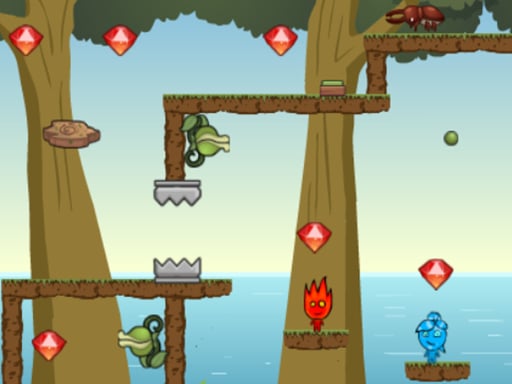
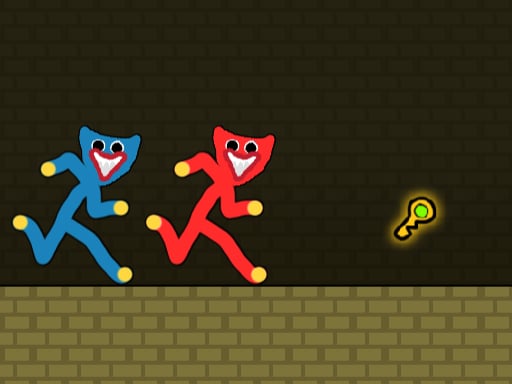
Two brothers, one mission, and a whole lot of platforming madness. In Red and Blue Stickman Huggy, you control two inseparable stickman characters on a high-stakes quest. The goal is simple but the execution is pure Action: grab the key and reach the exit door to unlock the next stage. This isn't just a solo stroll; it is a frantic 2 Player race against obstacles. You need precision, timing, and a bit of luck to navigate the treacherous 2D landscapes. If you love fast-paced Arcade fun, this is your next obsession. Grab a friend and see if you can sync your movements perfectly to conquer every level.
Controls and Mechanics of Red and Blue Stickman Huggy
Mastering the movement is the first step to survival. Whether you are playing on a PC or via Android, the controls are intuitive and snappy. You must coordinate both characters to bypass traps and reach the key before the door becomes unreachable. Use these controls to dominate the levels:
- Move to WASD Arrow Keys
- Double Jump available
- Mobile Touch Control
Winning Strategies on PlayHop
Success in this Adventure requires more than just button mashing. Since you are managing two characters, timing is everything. Don't rush blindly into the next platform. Often, one stickman needs to hold a position or clear a path while the other grabs the key. Treat this as one of those 2 Player Games where communication is your greatest weapon. Watch the patterns of the obstacles and utilize your double jump to skip difficult terrain. As the levels progress, the difficulty spikes, requiring tighter coordination. If you get stuck, remember that patience wins more races than speed does. Practice your jumps and stay focused on the exit.
Stop waiting and start playing. Head over to PlayHop to find more high-octane challenges. If you think you have the skills to guide these brothers to safety, jump into Red and Blue Stickman Huggy right now and prove it!
Move to WASD Arrow Keys Double Jump available Mobile Touch Control